KMP - Distribution
The build is done. The library sits in build/. And no one else can use it.
The artifacts article opened the build and showed what it produces. This article does the next thing: it moves the library into other people’s builds. The project is the same greetings library from the earlier articles, at github.com/dushyant30suthar/KMP-Themissingintroduction. Every command and every output below is real, except where I say it is not.
1. One library, three doors
The kitchen state after the targets article: one module, four targets: linuxX64, jvm, js, wasmJs. The build produces a jar for the JVM, a klib (the Kotlin library format) for each of the others, and JavaScript and WebAssembly for the web.
Now the question: how does the library get into someone else’s build?
The answer splits by ecosystem. Each platform ecosystem keeps its own registry (a repository that stores packages and hands them out) and its own integration story:
- The JVM world uses Maven. The public registry is Maven Central.
- The web uses npm, the package registry for JavaScript.
- Apple uses Swift Package Manager (SwiftPM), which takes packages from git repositories that carry a
Package.swiftmanifest (the file that describes a package).
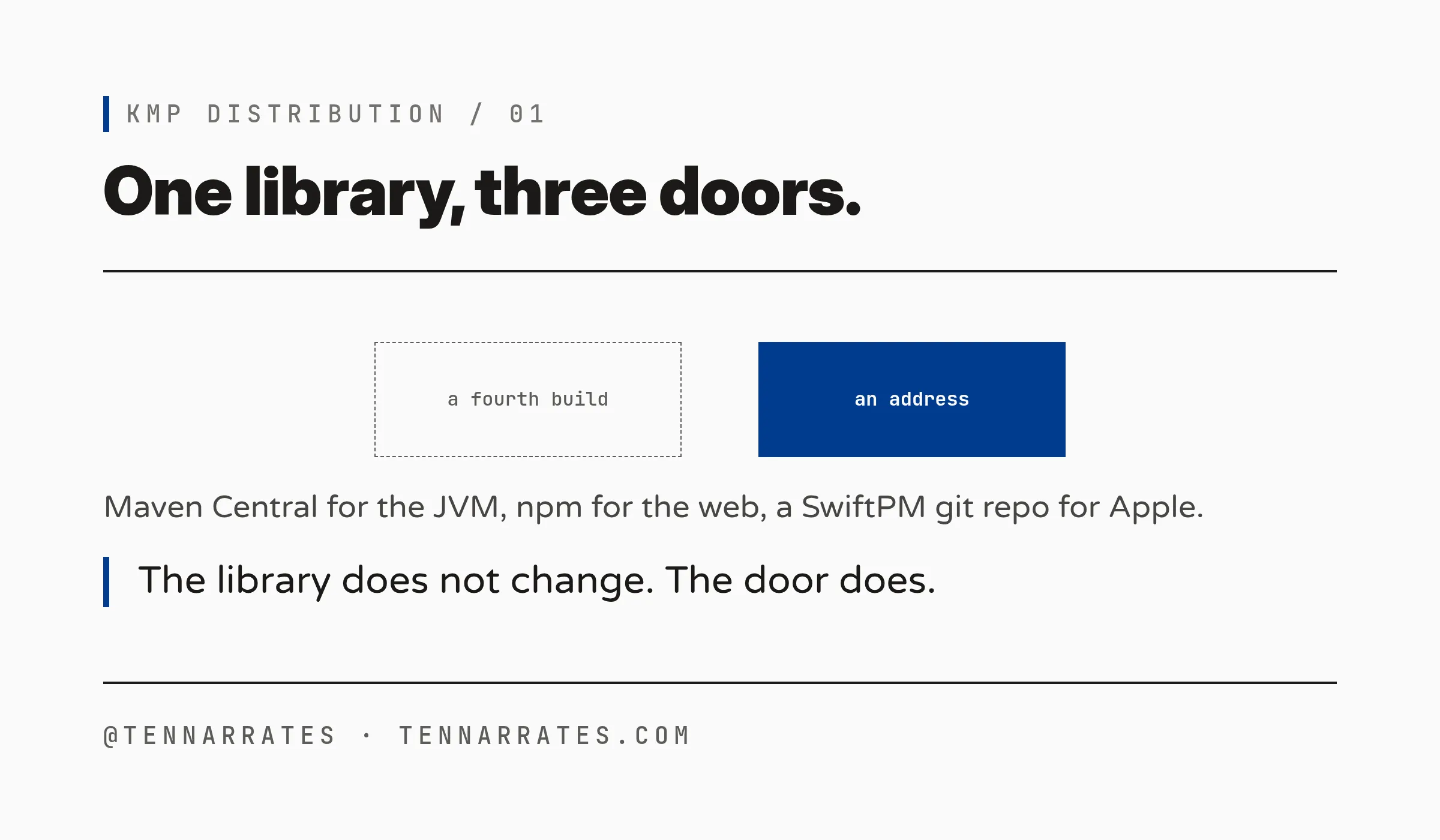
My claim: publishing is not a fourth build. It takes the artifacts the build already produced, packs them into each ecosystem’s format, and gives them an address. The library does not change. The door does.
M-1
That is the whole map. The next three sections walk each door. The current build file declares no Apple target, so section 4 comes from the official docs, not from a run.
2. Maven: the JVM door
Maven names a package with coordinates: group:artifact:version. To make the Kotlin plugin produce Maven publications (the package units it registers in a repository), I added the maven-publish plugin and two values to greetings/build.gradle.kts:
plugins {
    alias(libs.plugins.kotlinMultiplatform)
    // This article: publishing. The Kotlin plugin creates one publication
    // per target when maven-publish is applied.
    `maven-publish`
}

// Maven coordinates: group:artifact:version. The artifact is the project
// name, plus a suffix per target (greetings, greetings-jvm, greetings-js, ...).
group = "com.theemergentnarrative"
version = "1.0.0"
The plugin then creates one publication per target, plus a root publication that points at all of them. I ran the publish:
./gradlew :greetings:publishToMavenLocalIt lands in the local Maven repository, ~/.m2/repository (trimmed from the real tree):
/home/dushyant30suthar/.m2/repository/com/theemergentnarrative/greetings/1.0.0/greetings-1.0.0.jar
/home/dushyant30suthar/.m2/repository/com/theemergentnarrative/greetings/1.0.0/greetings-1.0.0.module
/home/dushyant30suthar/.m2/repository/com/theemergentnarrative/greetings/1.0.0/greetings-1.0.0.pom
/home/dushyant30suthar/.m2/repository/com/theemergentnarrative/greetings-jvm/1.0.0/greetings-jvm-1.0.0.jar
/home/dushyant30suthar/.m2/repository/com/theemergentnarrative/greetings-jvm/1.0.0/greetings-jvm-1.0.0.pom
/home/dushyant30suthar/.m2/repository/com/theemergentnarrative/greetings-js/1.0.0/greetings-js-1.0.0.klib
/home/dushyant30suthar/.m2/repository/com/theemergentnarrative/greetings-linuxx64/1.0.0/greetings-linuxx64-1.0.0.klib
/home/dushyant30suthar/.m2/repository/com/theemergentnarrative/greetings-wasm-js/1.0.0/greetings-wasm-js-1.0.0.klib
Five publications: the root greetings (metadata that points at the rest) and one per target. The JVM one is a jar. Its POM (the file Maven reads) declares the coordinates and one dependency, kotlin-stdlib.
M-2

Now the consumer side. I built a second project in scratch, a plain Kotlin JVM app, not a KMP project. Its build.gradle.kts, verbatim:
plugins {
    kotlin("jvm") version "2.4.10"
    application
}

repositories {
    mavenLocal()
    mavenCentral()
}

dependencies {
    implementation("com.theemergentnarrative:greetings-jvm:1.0.0")
}

application {
    mainClass = "MainKt"
}
mavenLocal() is the ~/.m2 directory. mavenCentral() covers the transitive kotlin-stdlib. The first run failed without it: Could not find org.jetbrains.kotlin:kotlin-stdlib:2.4.10. The consumer’s main calls greet():
import com.theemergentnarrative.kmpthemissingintroduction.greet

fun main() {
    println(greet())
}> Task :run
Hello from Kotlin on JVM (Java Virtual Machine)
BUILD SUCCESSFUL in 6sThat is the whole of Maven integration: a repository and one line.
Public means Maven Central. The publisher registers a namespace (the group part of the coordinates), signs the artifacts with a PGP key (a key pair that proves who published them), uploads with a token, then releases from the portal. Central validates. Public availability takes 15 to 30 minutes.
Private means any other Maven repository: a Nexus or Artifactory server, GitHub Packages, a corporate intranet. The consumer adds the URL and credentials:
maven {
    url = uri("https://your.secure.repo/url")
    credentials {
        username = "your-username"
        password = "your-password"
    }
}
The dependency line does not change. The address does.
3. NPM: the web door
The web lane ships an npm package: a directory with a package.json that describes it. The Gradle task that builds the production one:
./gradlew :greetings:jsBrowserProductionLibraryDistributionThe real output, greetings/build/dist/js/productionLibrary/:
KMP-Themissingintroduction-greetings.js
KMP-Themissingintroduction-greetings.js.map
kotlin-kotlin-stdlib.js
kotlin-kotlin-stdlib.js.map
kotlin_org_jetbrains_kotlin_kotlin_dom_api_compat.js
kotlin_org_jetbrains_kotlin_kotlin_dom_api_compat.js.map
package.json
The package.json, verbatim:
{
  "name": "KMP-Themissingintroduction-greetings",
  "version": "1.0.0",
  "main": "KMP-Themissingintroduction-greetings.js",
  "devDependencies": {},
  "dependencies": {},
  "peerDependencies": {},
  "optionalDependencies": {},
  "bundledDependencies": []
}
The name is the root project name plus the module name. The wasmJs target builds the sibling package: the same shape, a .mjs module plus a .wasm binary.
Now the boundary. I required the built module in Node and looked for greet. It was not there. The module factory exported nothing. The built JS held greet as a local function, and the kitchen’s leftover root main() ran on load and printed a line. Nothing crosses from Kotlin into JS unless you mark it.
The annotation is @JsExport. In Kotlin 2.4 it is experimental, and the compiler says so (path trimmed):
w: file:///.../Greeting.kt:10:2 This declaration needs opt-in. Its usage should be marked with '@kotlin.js.ExperimentalJsExport' or '@OptIn(kotlin.js.ExperimentalJsExport::class)'With the opt-in and the annotation on greet(), the rebuilt module carries an exports block. Real, from the minified file:
//region block: exports
function $jsExportAll$(_) {
  var com = _.com || (_.com = {});
  var theemergentnarrative = com.theemergentnarrative || (com.theemergentnarrative = {});
  var kmpthemissingintroduction = theemergentnarrative.kmpthemissingintroduction || (theemergentnarrative.kmpthemissingintroduction = {});
  kmpthemissingintroduction.greet = greet;
}
$jsExportAll$(_);
//endregion
Note the nesting: greet sits under the Kotlin package path, not at the top level.
The consumer, for real. I installed the package directory into a scratch project:
npm install /home/dushyant30suthar/Projects/tennarrates/series/kmp-the-missing-introduction/kitchen/KMP-Themissingintroduction/.worktrees/kmp-distribution/greetings/build/dist/js/productionLibraryadded 1 package, and audited 3 packages in 745ms
found 0 vulnerabilitiesnpm records the dependency in the consumer’s package.json (a file: entry: the local stand-in for a registry package). A Node script calls the function:
const lib = require("KMP-Themissingintroduction-greetings");
const greet = lib.com.theemergentnarrative.kmpthemissingintroduction.greet;
console.log("consumer called greet():", greet());Hello from Kotlin on Web (JavaScript, browser/Node)
consumer called greet(): Hello from Kotlin on Web (JavaScript, browser/Node)The first line is the leftover main() again. The second is the consumer’s call.
Publishing to npm uses the official npm-publish Gradle plugin: configure the package name and version, then run ./gradlew :greetings:publishJsPackageToNpmjsRegistry with a token. For CI, npm’s Trusted Publishers (a CI authorization that needs no token) cover it. npm never republishes a version it has already taken.
Private on npm means a scope: @your-org/greetings. Scoped packages are private by default. Access goes to named collaborators or teams, and publishing needs a paid account, then npm publish or a staged publish that a maintainer approves.
M-3

One entry in package.json, one require. That is the whole of npm integration.
4. SPM: the Apple door
The Apple lane ships differently. The KMP build assembles an XCFramework (the multi-platform binary package from the artifacts article). You zip it, upload the zip to a direct link (a GitHub release works), and write a Package.swift that points at the zip. The official template:
// swift-tools-version:5.3
import PackageDescription

let package = Package(
   name: "Shared",
   platforms: [
     .iOS(.v14),
   ],
   products: [
      .library(name: "Shared", targets: ["Shared"])
   ],
   targets: [
      .binaryTarget(
         name: "Shared",
         url: "<link to the uploaded XCFramework ZIP file>",
         checksum:"<checksum calculated for the ZIP file>")
   ]
)
Two details do the work. The checksum (a fingerprint of the file) comes from swift package compute-checksum Shared.xcframework.zip. SwiftPM verifies it on download. The version is a git tag on the repository that holds Package.swift. The manifest lives in git. The binary lives in storage.
The consumer side: in Xcode, File > Add Package Dependencies, then the URL of the git repository. Apple’s docs are plain about public and private: “A package author can publish their Swift package to either public or private repositories. Xcode supports both private and publicly available packages.” Private means a private git repository and git credentials on the machine. The manifest and the import do not change.
M-4

Now the honest part. I did not run this lane. This host is Linux. It has no Swift toolchain, and the current kitchen build declares no Apple target, so no XCFramework can be assembled here. The zip, the checksum, the tag, and the Xcode resolve come from the official Kotlin and Apple docs, not from a run. needs human (macOS): run the flow end to end and replace the quotes with real output.
5. The ledger: what the consumer’s build file gains
Put the three doors side by side:
M-5

Three lines. Three registries. Three formats.
Public versus private, per ecosystem:
- Maven: the repository URL and credentials change. The coordinates do not.
- npm: the registry and the token change. The package name does not.
- SwiftPM: the git URL and the credentials change. The manifest does not.
The line that names the library is the same in all cases. Distribution changes the address and the key, never the name.
The build produces the artifacts. Distribution gives them an address in each ecosystem’s registry. Three doors, one shape: an address, a package, one line in the consumer’s build file.