KMP - Targets
The same line of Kotlin runs on four different machines and prints a different answer on each. That is what “multiplatform” means in practice. The hello world article built one target. This article adds the other platforms and shows the mechanism that lets one source reach all of them. The project is at github.com/dushyant30suthar/KMP-Themissingintroduction.
1. Adding the other platforms
The hello world article built one target: macosArm64, a native machine. A native machine is a CPU and an operating system the code runs on directly. I added the other platforms Kotlin Multiplatform (KMP) compiles to.
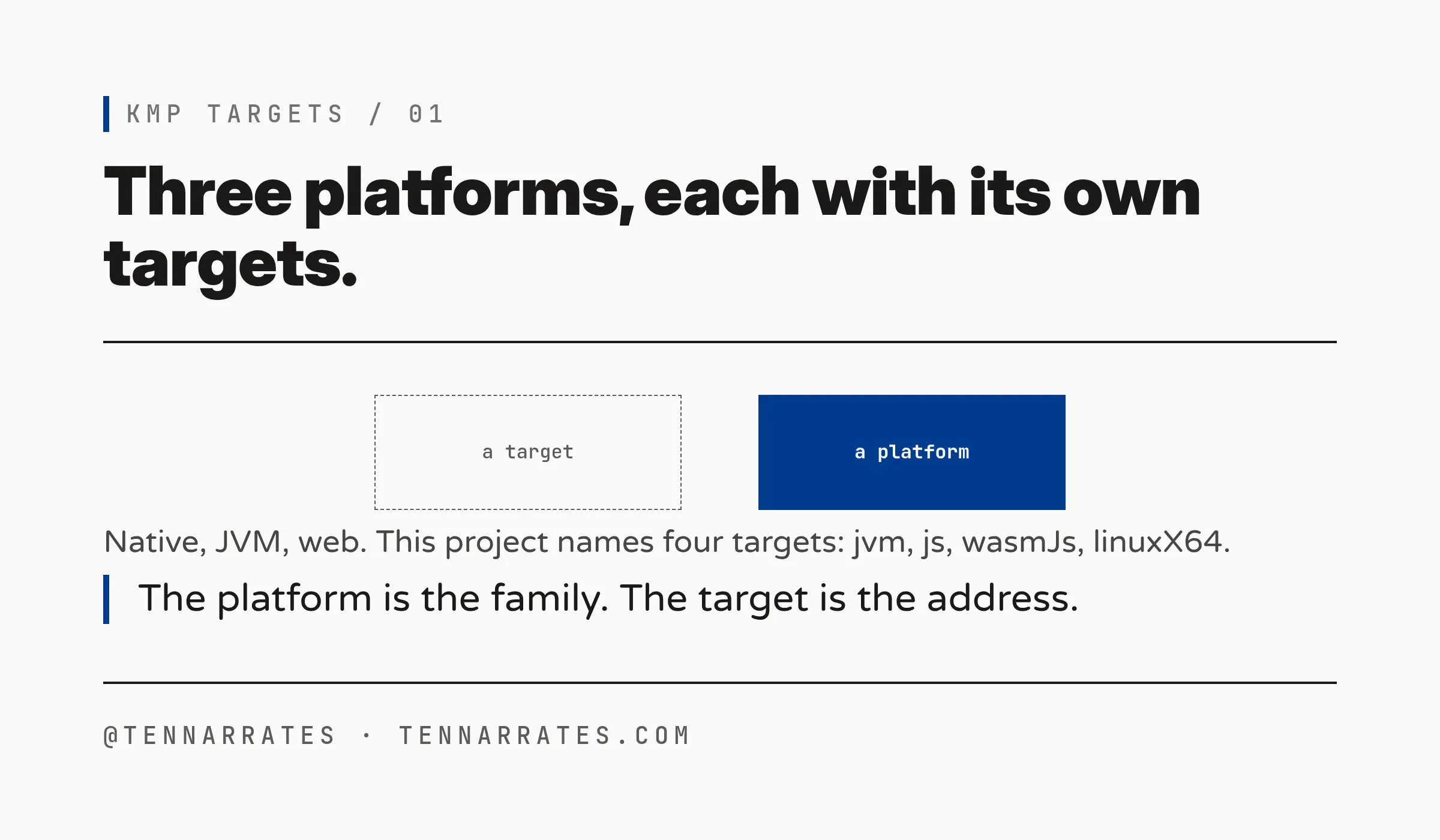
First, the words, because the difference is the whole point. A platform is a kind of target: a native machine, a virtual machine, or a browser. A target is a specific build inside one platform. A platform is broad. It names a family of machines. A target is narrow. It names one machine, down to the instruction set. A platform is a city. A target is a street address. You can live in a city. You cannot mail a letter to a city.
There are three platforms. The first is the native machine. Kotlin/Native compiles the code to machine code for a CPU and an operating system. The second is the JVM, the Java Virtual Machine, a runtime that hides the machine from the code. Kotlin/JVM compiles the code to bytecode, instructions the JVM reads and runs. The third is the web. The hello world article named the browser the third kind of target. Kotlin/JS compiles the code to JavaScript. Kotlin/Wasm compiles the code to WebAssembly, a binary format a browser runs.
That is every platform KMP compiles to: native machines, the JVM, and the web. Read the last sentence again. This article added platforms, not targets. Each platform brings its own targets.
M-1
2. One source, every target
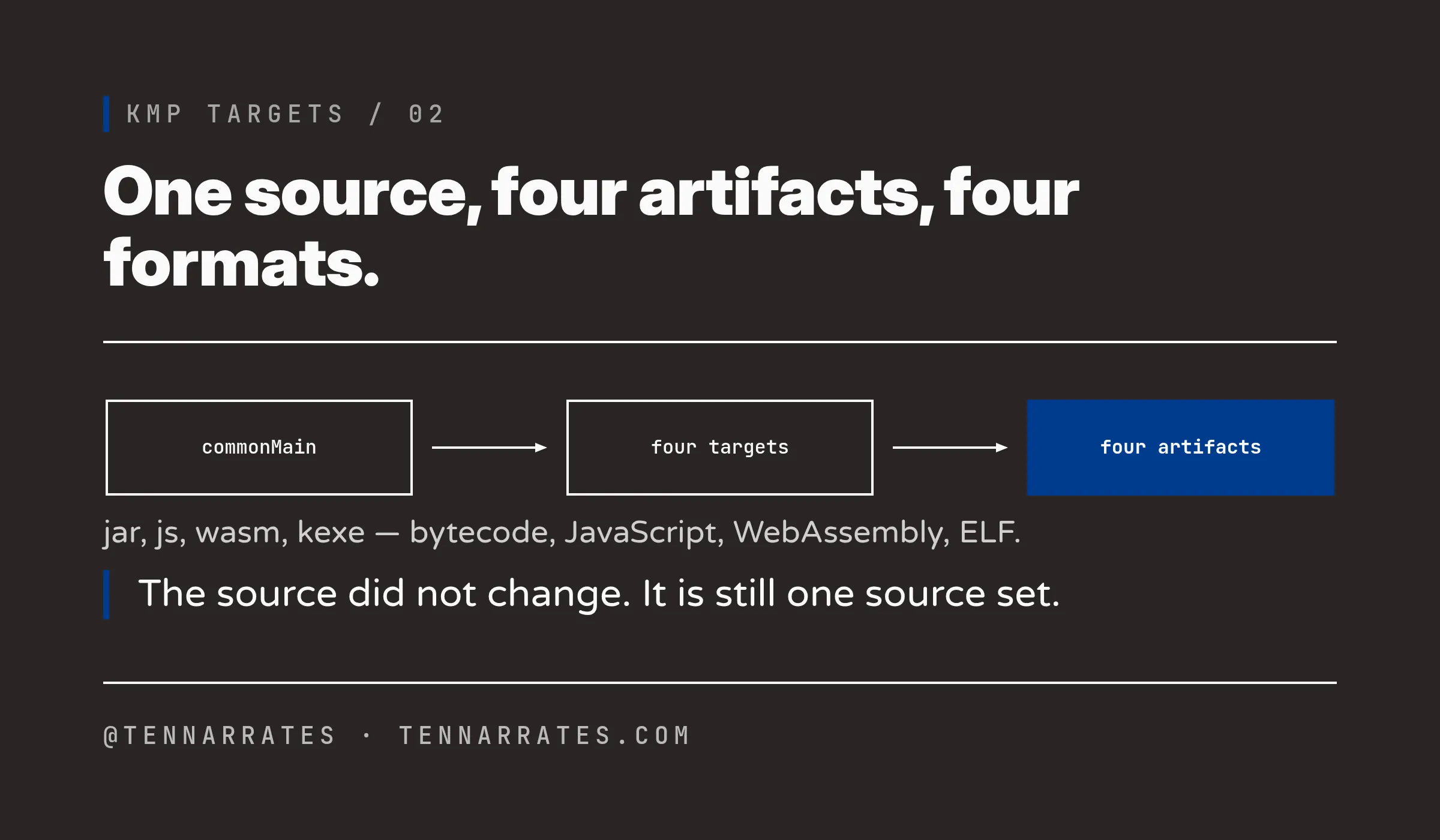
Each platform holds one or more targets. A target fixes three things: the output format, the language constructs the code can use, and the dependencies it can load. In this project the targets are jvm, js, wasmJs, and linuxX64.
The source did not change. The whole library is still one source set, commonMain, the folder of source that every target shares. Adding a target adds a line to the build file. It does not add source. Here is the build file after the three platforms joined:
kotlin {
    // --- Native Machine platform ---
    // The previous article used macosArm64 (builds only on a Mac).
    // On this Linux host the buildable native target is linuxX64.
    linuxX64 {
        binaries {
            executable()
        }
    }

    // --- JVM platform ---
    jvm()

    // --- Web platform ---
    // Runnable here under Node.js, a JavaScript engine that runs outside a browser.
    js {
        nodejs()
        binaries.executable()
    }
    wasmJs {
        nodejs()
        binaries.executable()
    }

    sourceSets {
        commonMain.dependencies {
        }
        commonTest.dependencies {
            implementation(libs.kotlin.test)
        }
    }
}
Four targets, one per platform family. The binaries blocks declare a runnable file for each target. Without them, a target produces only a klib. A klib is a Kotlin library in an intermediate form that only Kotlin tooling can read. The machine cannot load a klib.
Now the build:
./gradlew clean :greetings:buildThe compiler writes an artifact for each target. The output (trimmed):
> Task :greetings:compileCommonMainKotlinMetadata
> Task :greetings:compileKotlinLinuxX64
> Task :greetings:linuxX64MainKlibrary
> Task :greetings:compileKotlinWasmJs
> Task :greetings:compileKotlinJs
> Task :greetings:compileKotlinJvm
> Task :greetings:linkDebugExecutableLinuxX64
> Task :greetings:linuxX64Test
> Task :greetings:jvmTest
> Task :greetings:compileProductionExecutableKotlinWasmJs
> Task :greetings:compileProductionExecutableKotlinJs
> Task :greetings:wasmJsProductionExecutableCompileSync
> Task :greetings:jsProductionExecutableCompileSync
> Task :greetings:wasmJsNodeTest
> Task :greetings:jsNodeTest
> Task :greetings:linkReleaseExecutableLinuxX64
> Task :greetings:assemble
> Task :greetings:build

BUILD SUCCESSFUL in 9s
One source compiled four times. The file command names each format:
greetings/build/bin/linuxX64/releaseExecutable/greetings.kexe: ELF 64-bit LSB executable, x86-64, version 1 (SYSV), dynamically linked, interpreter /lib64/ld-linux-x86-64.so.2, for GNU/Linux 2.6.16, BuildID[sha1]=3817c2dc348e92bbe8618bc0ebd0a2fda3f37312, not stripped
greetings/build/libs/greetings-jvm.jar: Zip archive data, made by v2.0 UNIX, extract using at least v2.0, last modified, last modified Sun, Feb 01 1980 00:00:00, uncompressed size 0, method=deflate
greetings/build/compileSync/wasmJs/main/productionExecutable/optimized/KMP-Themissingintroduction-greetings.wasm: WebAssembly (wasm) binary module version 0x1 (MVP)
greetings/build/compileSync/js/main/productionExecutable/kotlin/KMP-Themissingintroduction-greetings.js: JavaScript source, ASCII text
ELF is the standard format for a native executable on Linux. The native target gives an ELF executable. The JVM target gives a .jar, a zip of bytecode. The web targets give a .js file and a .wasm file. One source, four artifacts, four formats.
M-2
3. The heart of KMP: expect/actual
The four targets run the same source. But the source must do something different on each. That is the job of expect/actual.
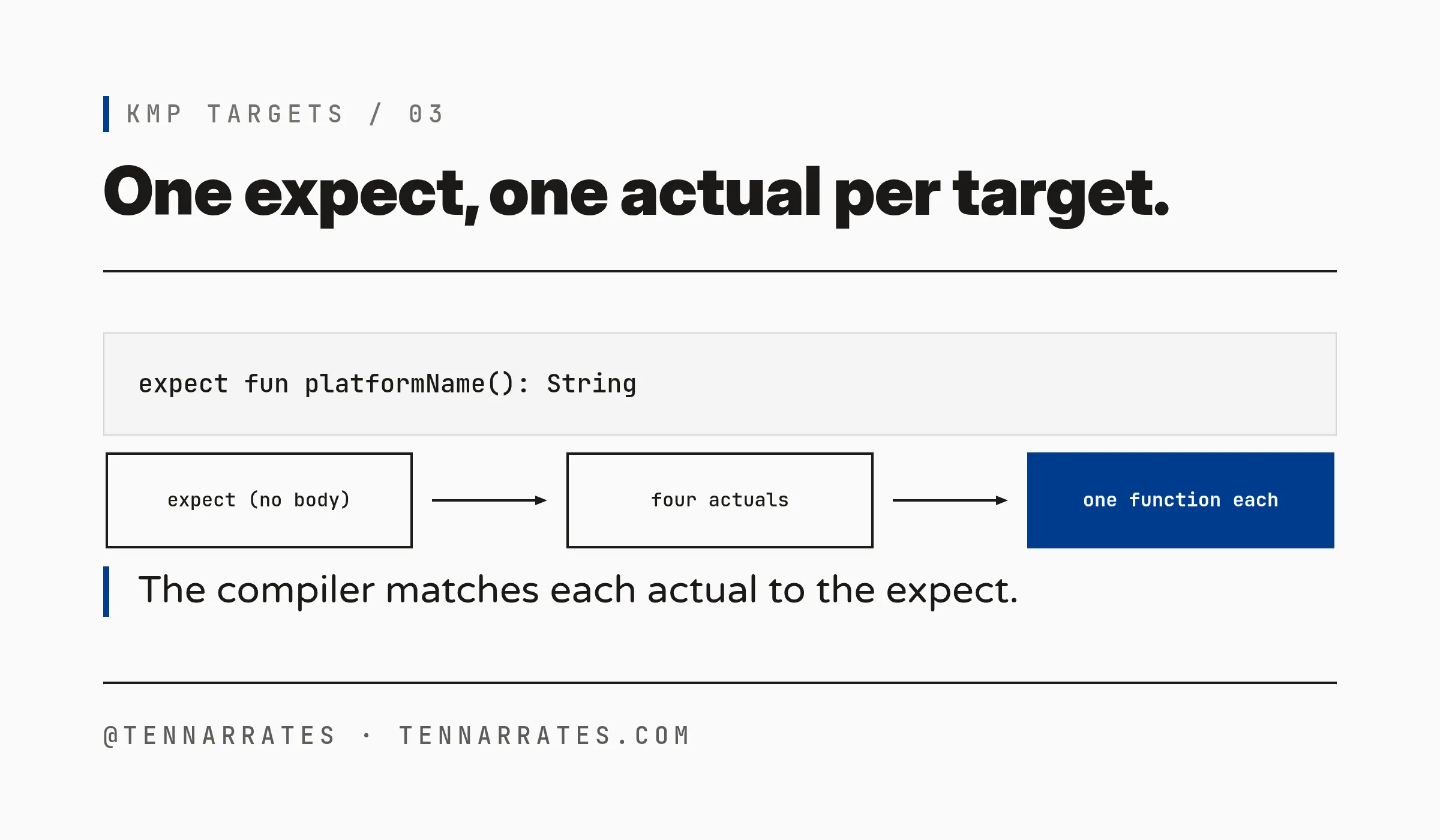
expect/actual is the mechanism that lets common code call platform-specific code. You declare a function in commonMain and mark it with the expect keyword. It has no body. In each platform source set you declare the same function in the same package and mark it with the actual keyword. The actual has the body. The compiler matches each actual to its expect and merges them. For each target it writes one function, with the body of that target.
This project uses it to return the name of the platform the code runs on. In commonMain:
package com.theemergentnarrative.kmpthemissingintroduction

// The heart of KMP. One declaration, shared by every target.
// Each platform supplies its own `actual` body.
expect fun platformName(): String

fun greet(): String = "Hello from Kotlin on ${platformName()}"
One expect, no body. In each platform source set, one actual, one answer (same package in every file):
// jvmMain
actual fun platformName(): String = "JVM (Java Virtual Machine)"// jsMain
actual fun platformName(): String = "Web (JavaScript, browser/Node)"// wasmJsMain
actual fun platformName(): String = "Web (WebAssembly, browser/Node)"// linuxX64Main
actual fun platformName(): String = "Linux x64 (native machine)"commonMain also holds the entry point, a main() that prints the greeting:
// greetings/src/commonMain/kotlin/Main.kt
import com.theemergentnarrative.kmpthemissingintroduction.greet

// The entry point for the executable targets. It lives in the root
// package because that is the Kotlin/Native linker's default entry point.
fun main() {
    println(greet())
}
Note the missing package line. The Kotlin/Native linker looks for main() in the root package by default. My first build kept main() in the named package and failed with e: Could not find '/main' function.. The root-package file fixed it.
M-3
4. Run it on every platform
Now I run each artifact with the runtime its platform uses. The JVM target runs under the JVM. The native target runs directly on the operating system. The web targets run under a JavaScript engine, here Node.js, a program that runs JavaScript outside a browser.
$ java -cp greetings/build/libs/greetings-jvm.jar:<kotlin-stdlib-2.4.10.jar> MainKt
Hello from Kotlin on JVM (Java Virtual Machine)

$ ./greetings/build/bin/linuxX64/releaseExecutable/greetings.kexe
Hello from Kotlin on Linux x64 (native machine)

$ node greetings/build/compileSync/js/main/productionExecutable/kotlin/KMP-Themissingintroduction-greetings.js
Hello from Kotlin on Web (JavaScript, browser/Node)

$ node greetings/build/compileSync/wasmJs/main/productionExecutable/optimized/KMP-Themissingintroduction-greetings.mjs
Hello from Kotlin on Web (WebAssembly, browser/Node)
The same line, println(greet()), ran four times. Each time it called a different actual. The output changed because the actual changed. The common code did not.
That is the test that matters. The four outputs come from four different runtimes. One source produced all four. That is what multiplatform means in practice.
5. Platforms and targets, made exact
Let me put the words on a table. A platform is a kind of target. A target is a specific build. The machine kind column is the lens from the hello world article: a native machine, a virtual machine, or a browser.
| Platform | Target | Machine kind | Artifact | |----------|--------|--------------|----------| | Native | macosArm64 | native machine | Mach-O framework | | Native | linuxX64 | native machine | ELF executable | | Native | androidNativeArm32 | native machine | native Android binary | | Native | androidNativeArm64 | native machine | native Android binary | | JVM | jvm | virtual machine | .jar of bytecode | | Web | js | browser | JavaScript (.js) | | Web | wasmJs | browser | WebAssembly (.wasm) |
Read one row. linuxX64 is a target. It belongs to the Native platform. The machine kind is a native machine. The artifact is an ELF executable.
Now the part that makes targeting hard. Look at the two Android rows. androidNativeArm32 and androidNativeArm64 are both targets. Both are native builds. Both run on Android. They differ in one thing: the ABI, the application binary interface, the exact instruction set and calling rules the code is built for. Arm32 is the 32-bit ARM instruction set. Arm64 is the 64-bit one. Two street addresses that differ by one digit. Pick the wrong one and the code will not run on the device.
KMP supports a wide range of targets. Many differ by a single word. linuxX64 and linuxArm64. androidNativeArm32 and androidNativeArm64. Each name names a different machine. Targeting must be exact, because the name is the machine.
The hello world article showed that Kotlin is one more language a platform supports. This article shows the other half. One source set, one expect, one actual per target. The compiler turns that into a binary for every platform you name. The platform is the kind of machine. The target is the exact one. Name it exactly, and the code runs there.